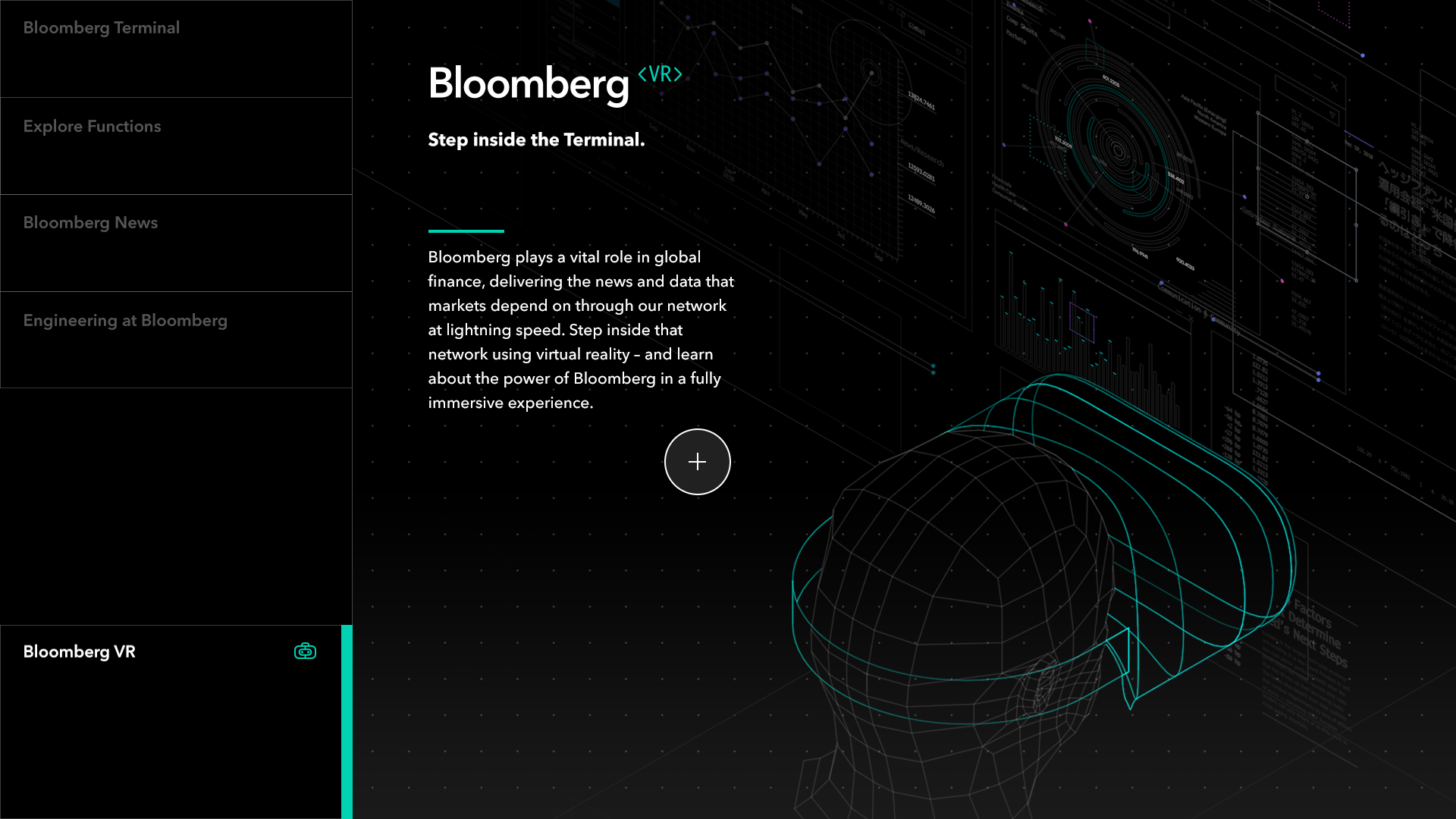
Bloomberg Touchscreen
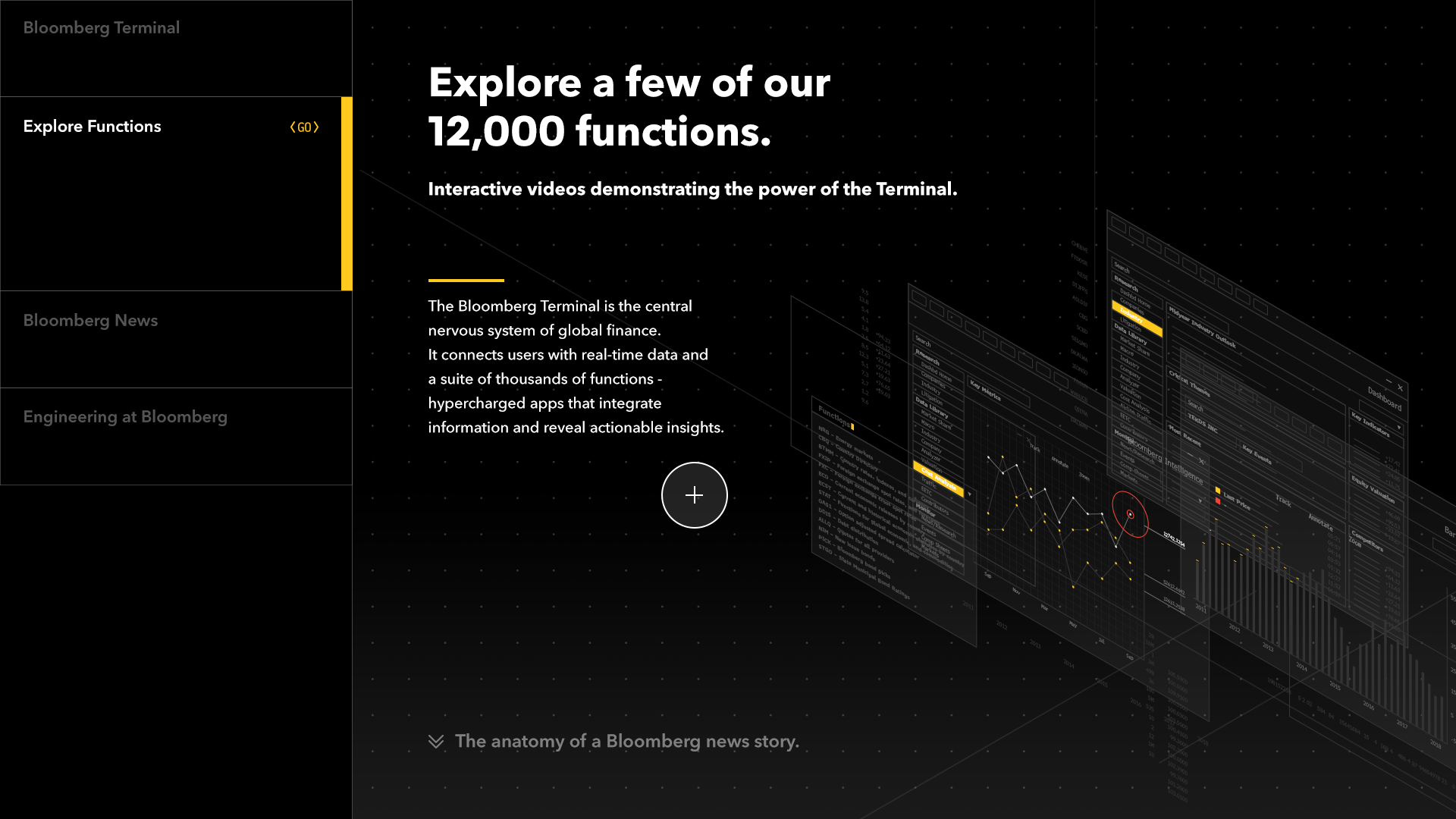
A touchscreen experience that teaches visitors what Bloomberg provides to finance professionals. It introduces the Bloomberg Terminal, one of Bloomberg’s major products, and its wide range of features. It was part of the visitor experience installation at Bloomberg’s New York office, where clients and other visitors can learn about Bloomberg’s products.
I designed the UX and UI and drew the illustrations.
User Experience / Interface Design
Illustration
Motion design
Creative Director | Lutz Vogel
UI / UX Designer | Namh Kim
Illustration | Namh Kim
Problem
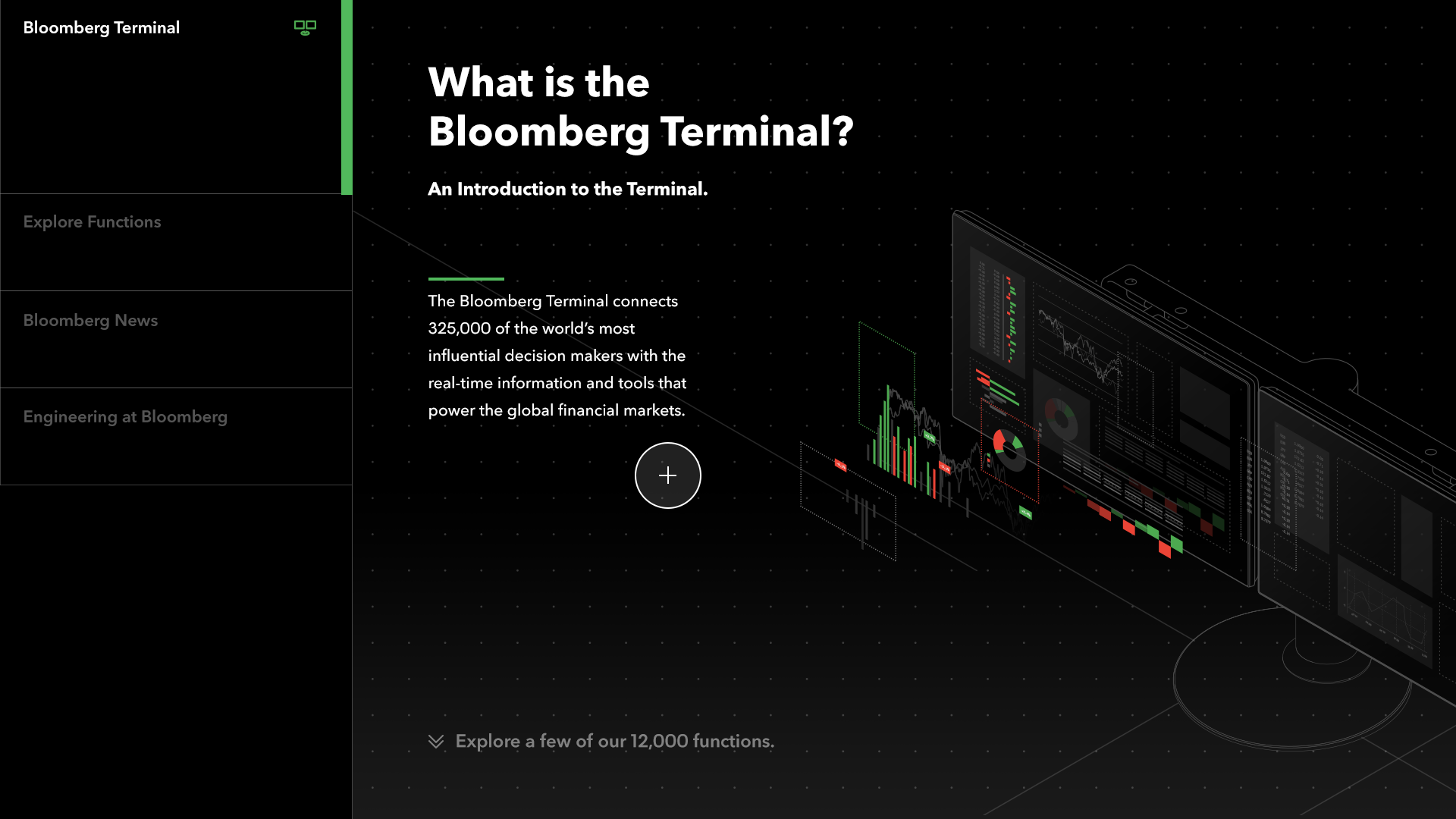
The Bloomberg Terminal is a powerful tool, but its dense interface can be intimidating to people who don’t know it. Visitors and potential clients needed a more approachable way to understand what it offers.
Goal
An interactive touchscreen that introduces the terminal’s core functions in a simple, engaging way: intuitive for casual users, while still conveying the depth and value of Bloomberg’s tools.
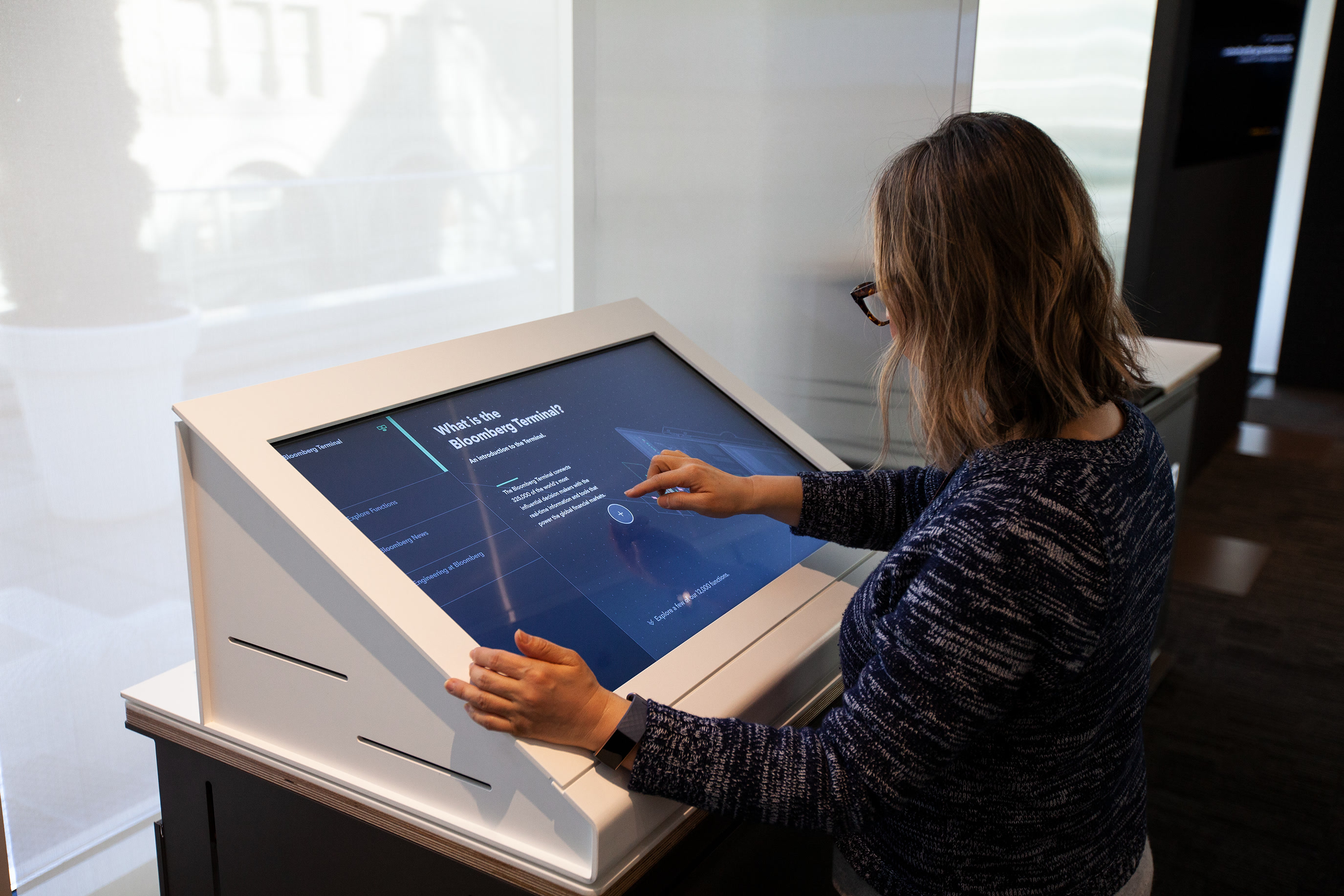
Screens
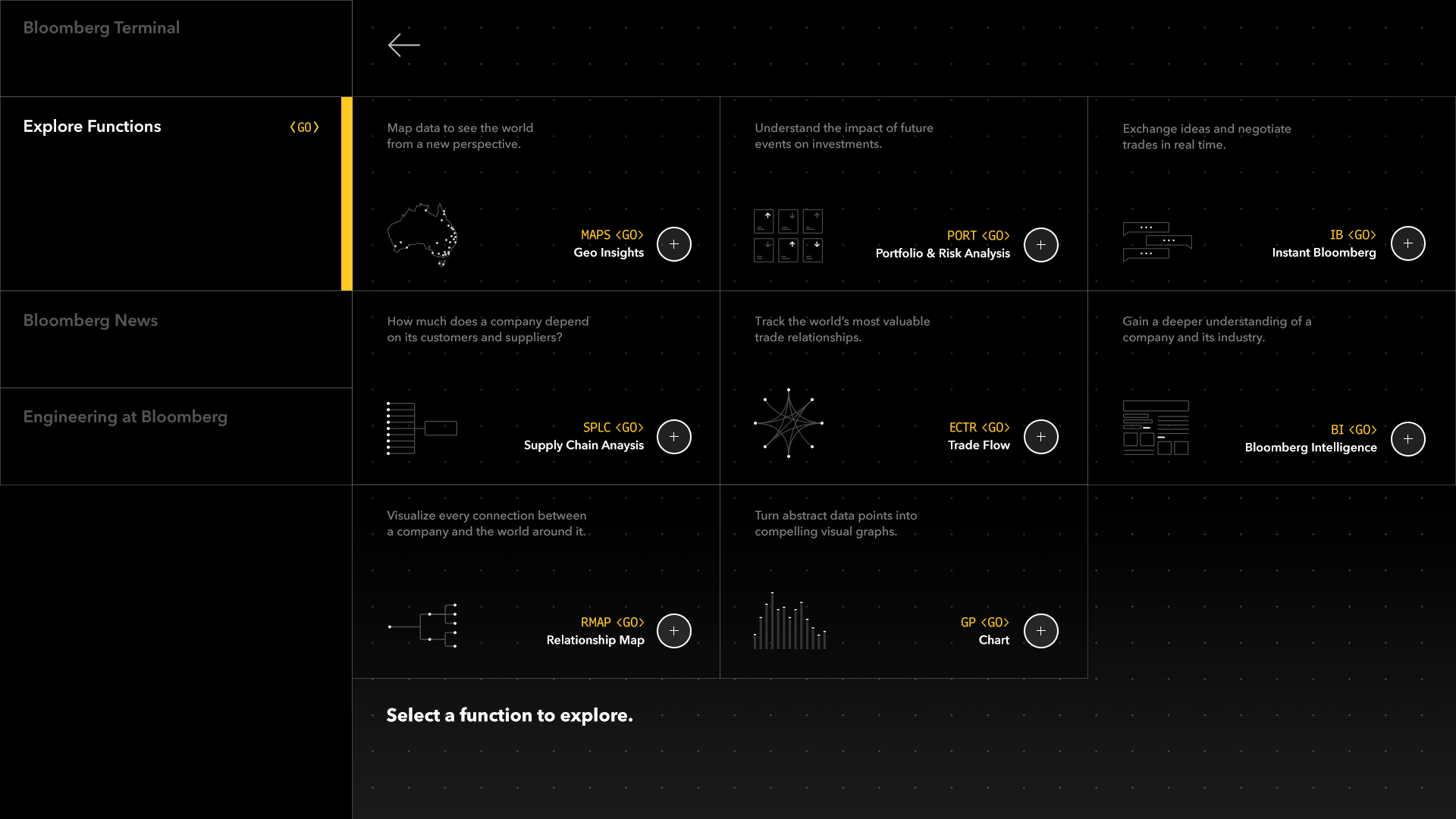
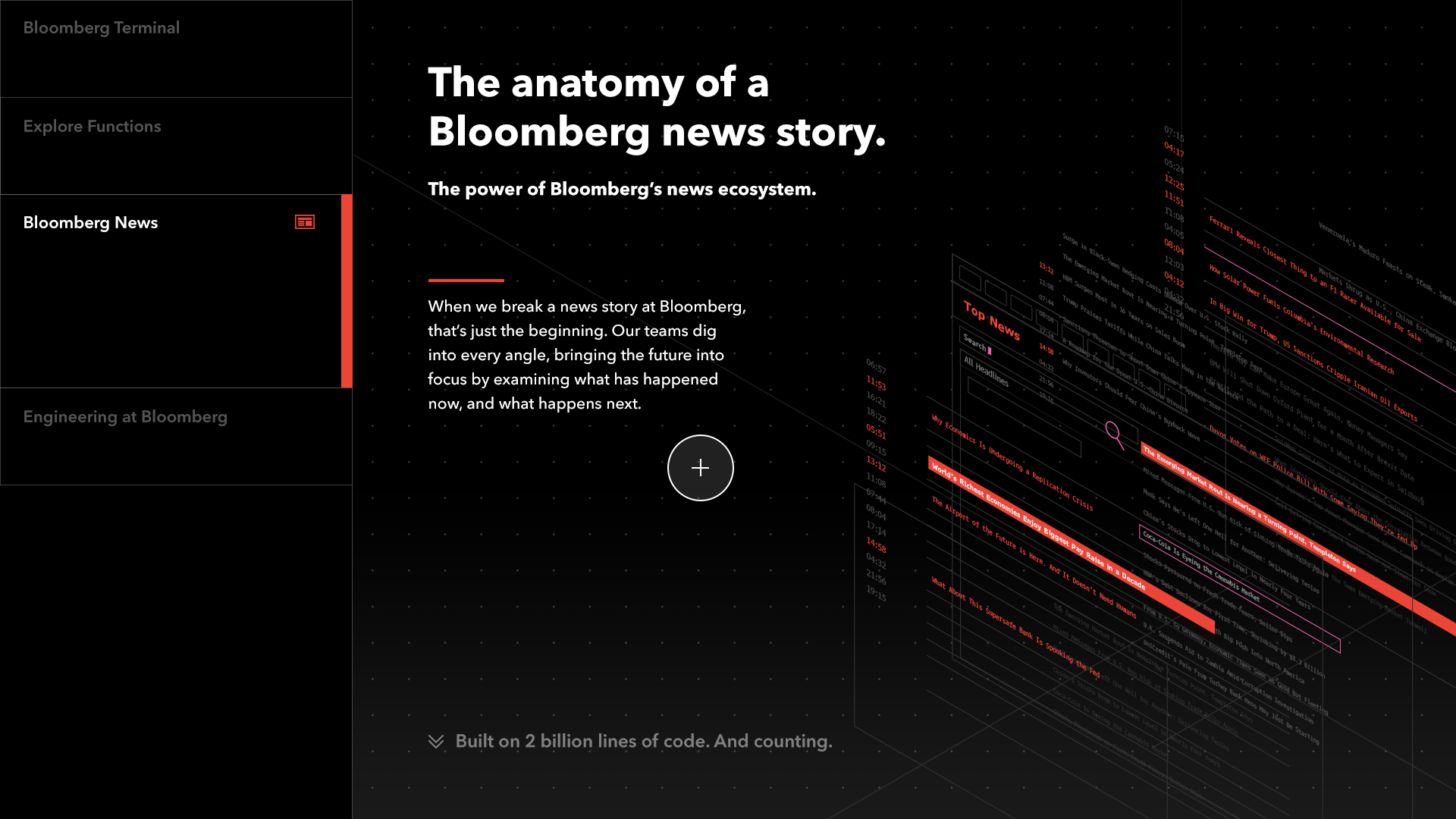
The experience has five sections: an introduction to the Terminal, a tour of its 12,000 functions, the anatomy of a Bloomberg news story, engineering at Bloomberg, and a way into Bloomberg VR.
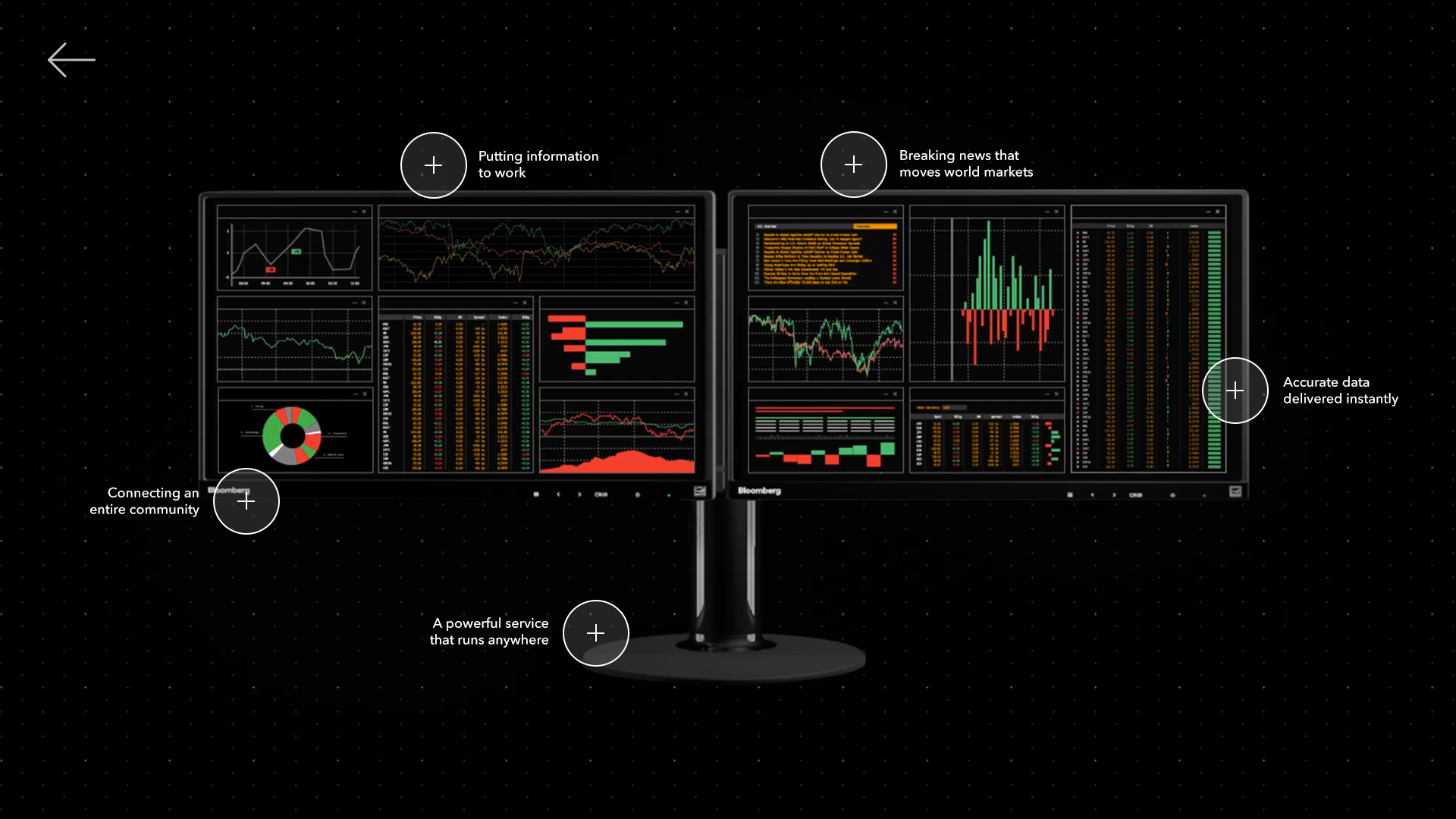

VR tutorial
We adapted the touchscreen content into a short VR tutorial for Bloomberg’s internal demo library. It walks users through the terminal’s core functions, using motion and spatial layout to guide them. The VR experience itself is a separate project: Bloomberg VR.